Settings
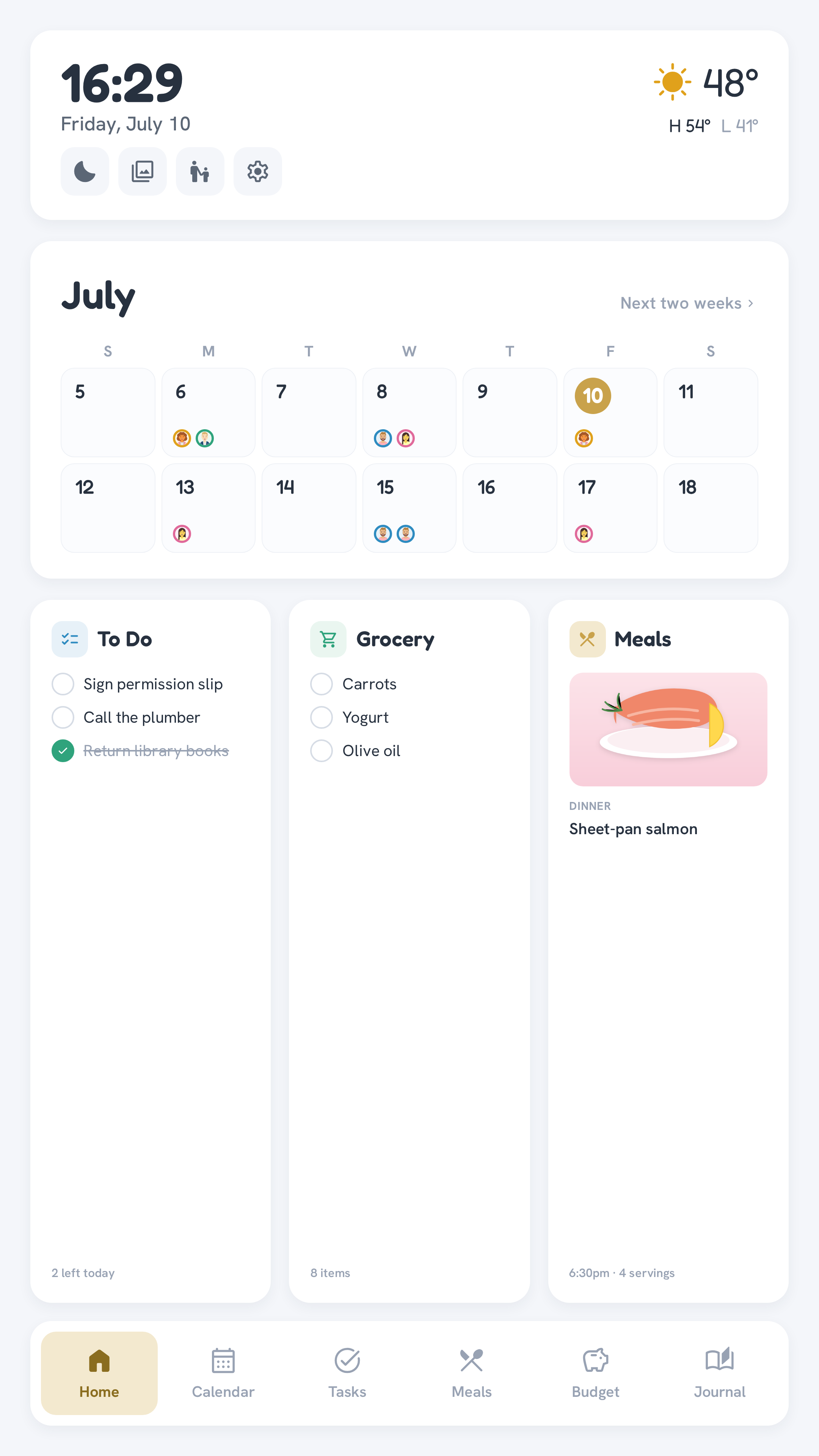
The gear button on the Home screen's top bar opens the on-device settings — the few knobs a family actually tweaks day to day:
| Setting | What it does | Default |
|---|---|---|
| Sleep starts / ends | The scheduled blackout window (24h clock) | 22 → 7 |
| Screensaver after | Idle minutes before the photo slideshow starts | 3 min |
| Photo changes every | Slideshow interval | 20 s |
| Chore reminder | Kill-switch for the scheduled morning push | on |
| Dinner digest | Kill-switch for the scheduled dinner push | on |
| Chore celebrations | Confetti + a chime when a kid finishes a chore | on |
The two notification toggles stop the scheduled pushes for everyone — the quick answer to "these got annoying." Each phone's bell (in the mobile app) only controls that one phone.
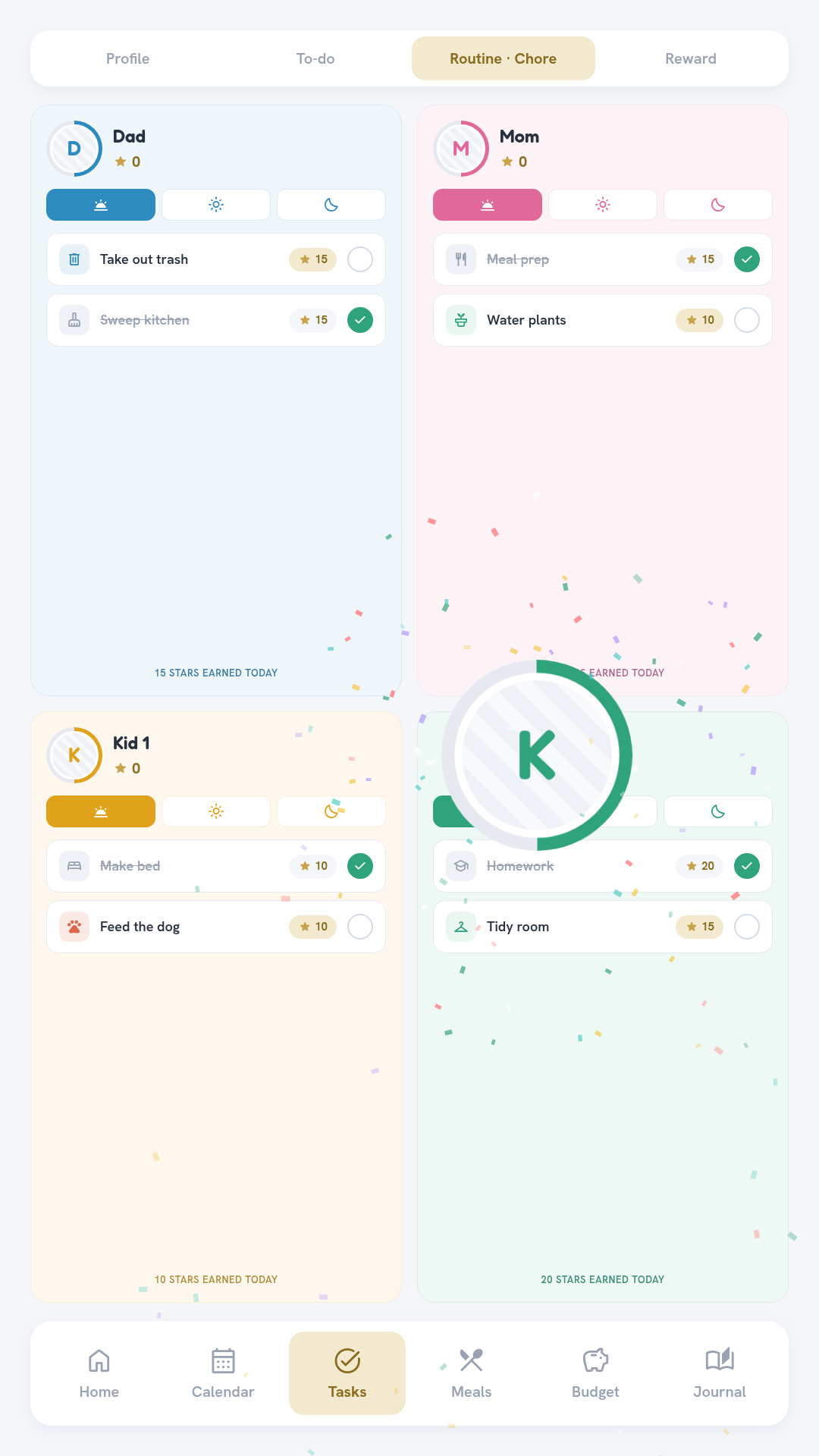
Chore celebrations are a bit of fun for younger kids: marking a chore done throws a short confetti burst from that child's avatar, pops the avatar, ticks their star count, and plays a quick chime. It only fires for members flagged as a kid in the roster ("kid": true) — grown-ups just get the plain green check — and this toggle turns it off entirely.
Changes apply to every connected display immediately after Save — no reload needed.
Parent PIN gate
Like Budget, Settings is locked behind a parent PIN (the members in BUDGET_UNLOCK_MEMBERS, default dad,mom): tap a parent's avatar, enter their PIN, and settings stay unlocked on that display for about 15 minutes. One unlock covers both Budget and Settings.
Where the values live
Saved settings persist in the app's database and override the matching .env values (SLEEP_START_HOUR, SCREENSAVER_IDLE_MIN, …) — the env vars remain the fresh-install defaults. Everything deeper (family roster, data-source tokens, notification hours) stays file/env-configured on purpose: those change once, not from the kitchen wall. See First-time setup.