Babysitter mode
When you're heading out and leaving the kids with a sitter, babysitter mode turns the wall into a single emergency-info screen and locks everything else away. The sitter can see who to call — but not your calendar, budget, journal, or photos.
Turning it on
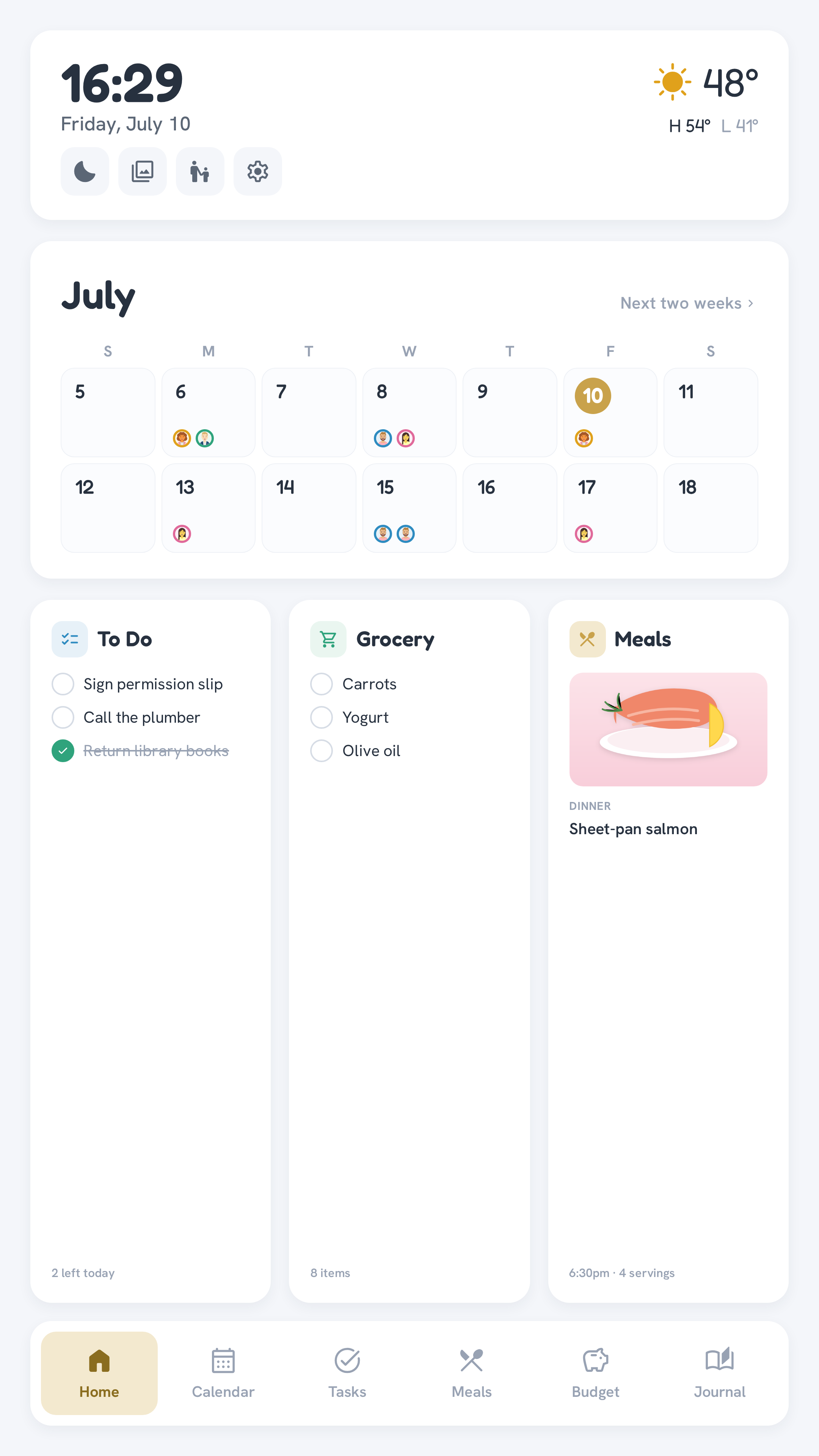
Tap the person-with-child icon in the Home screen's top-right cluster (next to the sleep, screensaver, and settings buttons). That's it — one tap, no PIN. The wall immediately drops to a full-screen card showing:
- Parents — your names and phone numbers, front and centre.
- Emergency contacts — anyone else you've added (a neighbour, a grandparent, the pediatrician).
- Notes — free-form instructions ("Bedtime 8pm. Peanut allergy — EpiPen in the hall drawer.").
Entering is deliberately one-tap: the worst a curious kid can do is lock the wall, and any parent PIN unlocks it again.
Turning it off
Tap Return to dashboard, pick a parent, and enter that parent's PIN. Only a parent (the members in BUDGET_UNLOCK_MEMBERS, default dad,mom) can leave babysitter mode — the same people who can open Budget and Settings.
The lock is reload-proof. It lives on the server, and the wall checks it every time it starts, so restarting the kiosk (or opening the wall's address on another device) lands straight back on the locked screen. A sitter can't get past it by refreshing.
Editing the emergency info
The card is filled in from the companion app, not the wall. A parent opens the mobile app and taps the person-with-child icon in the header (next to the notification bell — it's shown to parents only), then edits:
- each parent's phone number,
- the emergency contacts list (add or remove rows), and
- the notes.
Tap Save and the wall updates instantly on every connected display. Kids don't see the Sitter tab at all, and the server rejects any edit that doesn't come from a signed-in parent — so the emergency info can only be changed by the two of you.
Set it up once, before you need it
Fill in the parent phones and a note or two now, while you're thinking about it. Then leaving for the evening is a single tap on your way out the door.