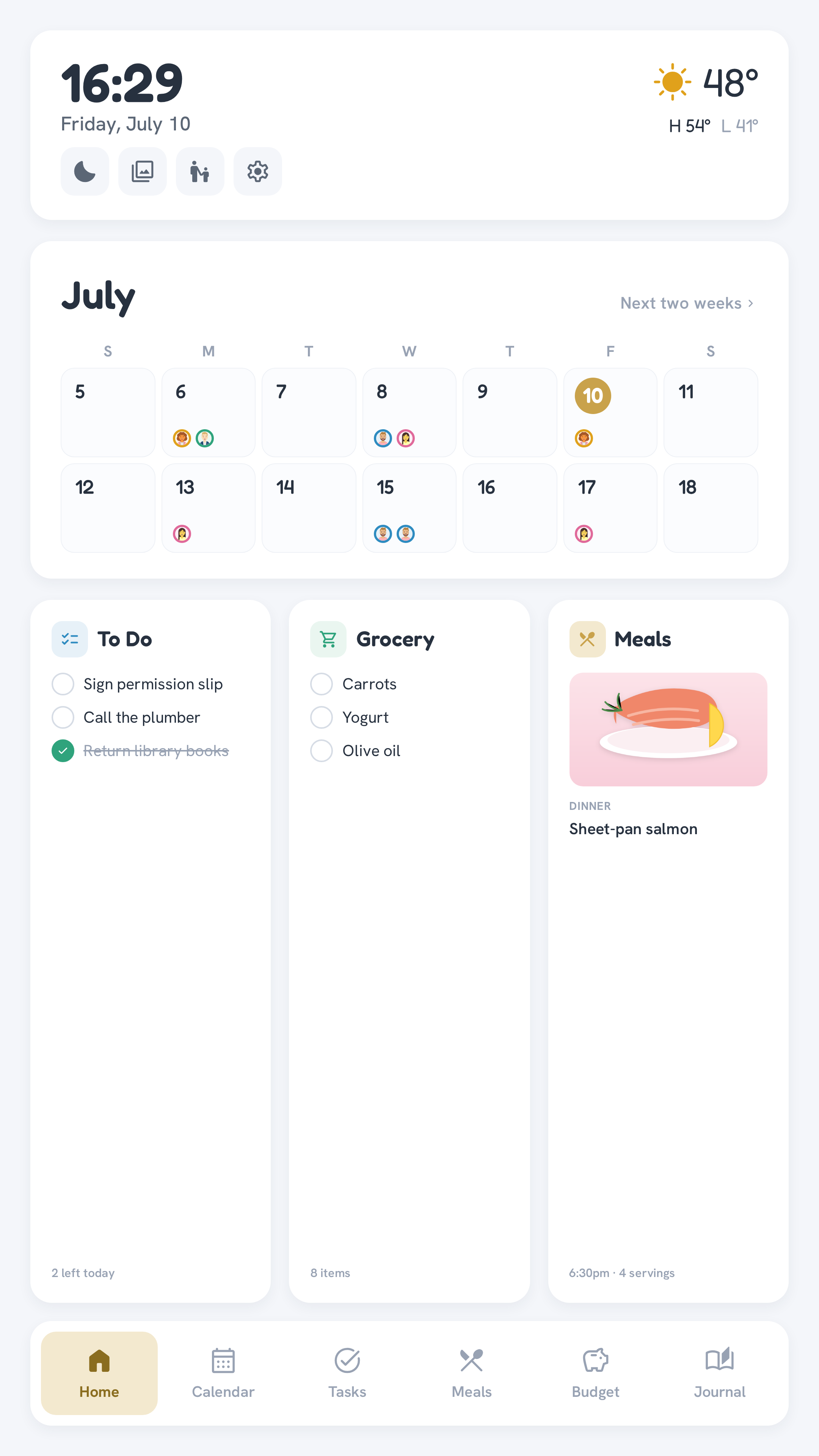
Calendar
Three views — Day, Week, and Month — all reading from whichever iCal feed(s) you configure (see Calendar integration).
- Month — a grid showing a small avatar chip per event on each day (one chip per event, not deduplicated — three events for the same person show that person's chip three times), falling back to a monogram or plain dot when no photo/attribution is available. Tapping a day jumps straight to that day in Day view.
- Week — a 7-day strip.
- Day — one column per family member, showing that day's events for each person, plus an Everyone column for events from a shared feed that isn't any one person's. Columns wrap to more rows automatically for larger families instead of squeezing everyone into a fixed number of columns.
Recurring events (RRULE) are expanded server-side.
The Home dashboard's two-week hero calendar behaves the same way — tap a day to jump to it in Day view, or tap "Next two weeks" to open the full Month view.
Per-person attribution comes from config, not guessing
A calendar feed has no built-in "which family member" field the way a Todoist assignee does — so attribution is explicit: set CALENDAR_ICS_URL_<ID> for a person's own calendar(s) and everything from it lands in their Day-view column, in their roster color. The plain CALENDAR_ICS_URL is for feeds nobody in particular owns (a shared family calendar) — those show in Everyone rather than being guessed at. See Calendar integration.