First-time setup
1. Set up your family roster
Copy the example roster and edit it to match your family:
cp config/members.example.json config/members.json[
{ "id": "dad", "name": "Dad", "color": "#2E8BC0" },
{ "id": "mom", "name": "Mom", "color": "#E0699A" },
{ "id": "kid1", "name": "Riley", "color": "#E0A11B", "kid": true },
{ "id": "kid2", "name": "Sam", "color": "#2FA37C", "kid": true }
]Any number of entries, any id/name — nothing in the app assumes a fixed family shape. GET /api/members exposes this roster (without secrets) to any client.
Add "kid": true to a member to turn on chore celebrations for them — marking a chore done throws confetti and a chime from their avatar. Leave it off for grown-ups.
2. Wire up your integrations
Pick whichever of these you want — every one is optional, and unconfigured sources just fall back to demo data:
- Todoist — chores, to-dos, the points economy
- Calendar (iCal) — Google Calendar, iCloud, or any ICS feed
- Mealie — meal plan, recipes, grocery list
- Weather — no signup needed
- Budget — optional Monarch Money snapshot
3. Set companion PWA PINs (optional)
If you want family members to check chores or write journal entries from their phone, set a 4-digit PIN per person in .env:
MEMBER_PIN_DAD=1234
MEMBER_PIN_KID1=0000
The wall itself never needs a login (trusted kiosk — tap your avatar to act); the PIN is only for /m. See Mobile (PWA) and Networking for reaching it safely from phones.
4. Reward catalog (optional)
Edit server/config/rewards.js to set up what your family's chore points can buy — see Rewards.
5. Sleep schedule (optional)
SLEEP_START_HOUR=22  # 24h clock, local time — default asleep 10pm-7am
SLEEP_END_HOUR=7
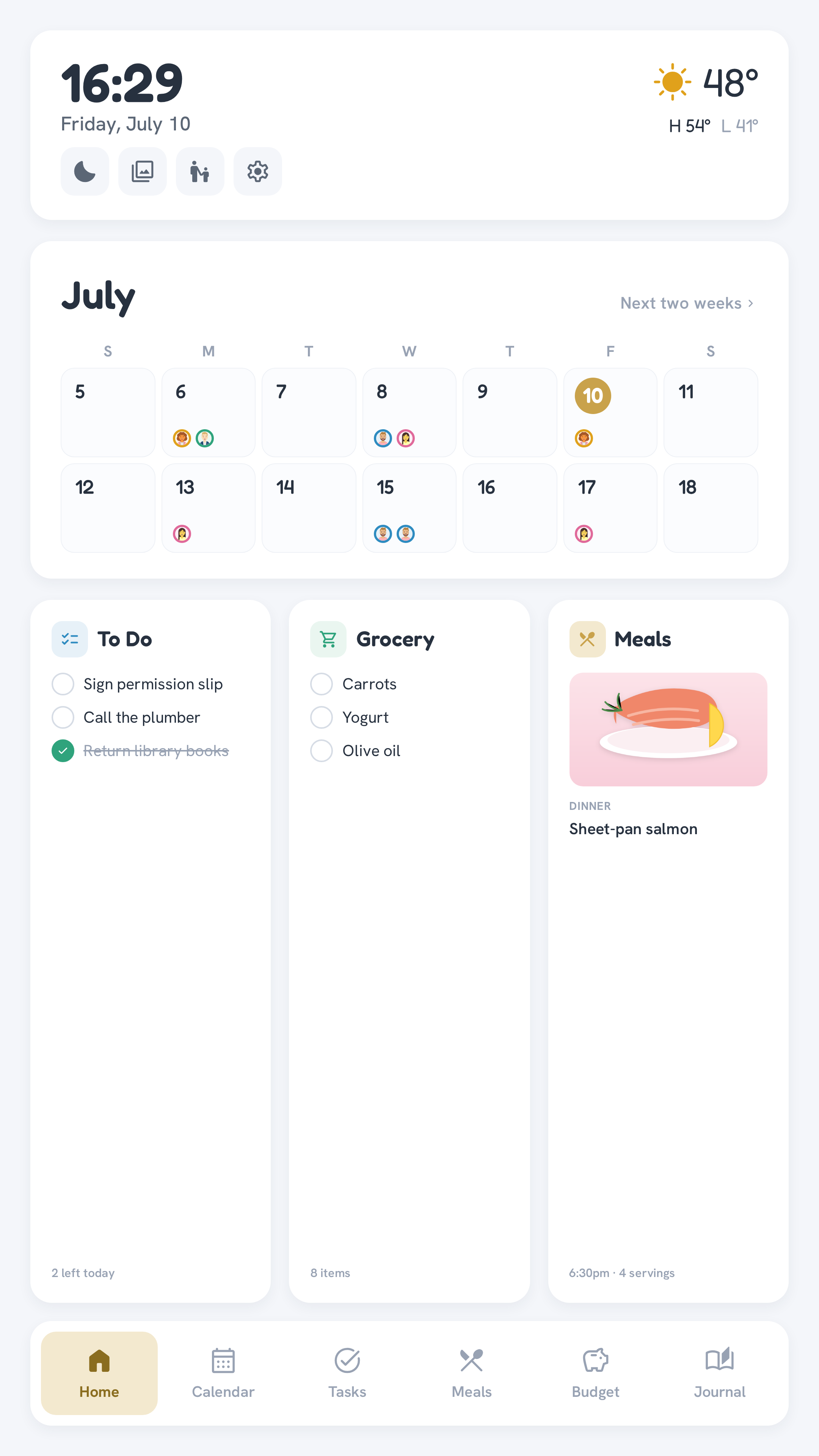
An app-level blackout overlay, not display DPMS — see Kiosk setup for why. Manual sleep (the Home screen's moon button) works regardless of the schedule; tapping the screen during a scheduled sleep wakes it for 2 minutes, then it re-arms.
6. Screensaver photos (optional)
Drop your own family photos into data/photos/ on the host and the wall cycles through them as a screensaver when idle:
mkdir -p data/photos
cp ~/family-pics/*.jpg data/photos/     # .jpg, .jpeg, .png, .webp
No env var and no rebuild — the folder is bind-mounted, so new files just appear. An empty folder falls back to a dark ambient clock face. Timing (idle delay, seconds per photo) is set with SCREENSAVER_IDLE_MIN / SCREENSAVER_CYCLE_SEC or the Settings screen.
7. Apply changes
docker compose up -dThat's the common setup — but not every variable
This page covers the settings most families touch. For the complete list — timezone, push notifications, journal recap, network binding, the presence sensor, and everything else — see the Configuration reference.